If you’re buying your first vending machine, the cheapest option can feel like the “smart” move. But here’s the truth: short-term savings often create long-term stress. The stress usually shows up as downtime, customer complaints, and a machine that’s suddenly “not a deal” once repairs start piling up.
Use the quick checklist below before you buy anything.
1) Don’t Choose Based on Price Alone
Price is only the starting point. Two machines can appear similar on paper but differ significantly in their long-term costs.
Before you commit, ask:
- How many years is the machine (and its key components) likely to run reliably?
- Has it been properly refurbished/reconditioned, or is it just “cleaned up”?
- What’s the real cost of downtime if it fails in a busy location?
If you’re buying online, make sure you understand the seller’s process and what’s included in the purchase (shipping, setup expectations, what’s tested, what’s replaced, etc.). A good place to start is the "How To Order" section.
2) Check Parts Availability (Before You Need Parts)
This is the one new operator skip… until they’re stuck.
A “cheap” machine becomes expensive when:
- Parts are hard to source
- Parts are discontinued
- Or only one vendor carries them, and shipping takes forever
What to do instead:
- Confirm the machine’s model and major components are still supported
- Make sure replacement parts (especially payment components) are easy to find
- Keep a short list of common wear items you may need in year one
Important note (and a big advantage): even when some equipment has technically discontinued parts, Automated Services International often has a large selection of used and sometimes refurbished parts available. You can browse what’s currently listed under Used Parts. If you don’t see what you need listed, it’s still worth reaching out—there’s a strong chance it’s available.
If you’re planning to run bill acceptance, don’t treat validators like an afterthought—your validator choice affects reliability and serviceability. Browse options and compatibility points under Bill Validators.
3) Confirm Payment Compatibility (So You Don’t Lose Sales)
Customers expect flexibility. Even if you start with cash, you want the option to upgrade—or at least avoid buying a machine that boxes you in.
Before you buy, confirm:
- Does it support MDB or the payment interface you need?
- Can it accept a validator you trust?
- Is it ready for (or upgradeable to) cashless readers?
The big idea: payment problems look like “bad machine” problems to customers. They don’t care why it failed—they just stop using it.
4) Reliable Machines Reduce Risk (Especially in Your First Locations)
Early on, you’re building trust with your locations and with yourself. Reliability matters because it protects:
- Your route reputation
- Your cash flow
- and your time
A dependable machine means fewer emergency service trips, fewer refunds, and fewer awkward “we’ll fix it soon” conversations with a location manager.
If budget is part of your decision (it usually is), explore structured options rather than making a risky purchase.
Quick “Buy/No-Buy” Mini Checklist
Before you pay, you should be able to answer “yes” to these:
- Parts are accessible and supported
- Payment setup is compatible (now or upgradeable later)
- The machine has a reliability track record (not just a low price tag)
- You understand what was tested/replaced and what’s included
Take the Next Step

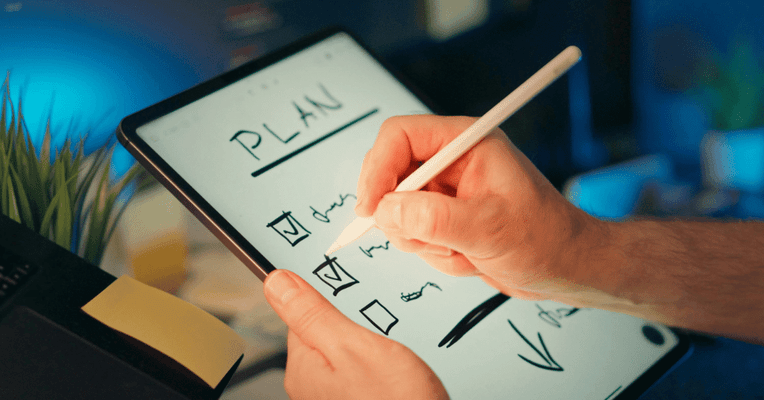
Quick checklist for first-time operators: price isn’t the decision—uptime is.
Want help picking a machine that fits your location, budget, and payment setup? Reach out here: Contact Us.